
Remote job interviews have become the new standard in today’s digital-first hiring landscape, offering both convenience and unique challenges. Whether you’re a seasoned professional or a first-time job seeker, mastering the art of virtual interviews can make the difference between landing your dream role and getting lost in the shuffle. Unlike traditional in-person meetings, remote interviews demand a blend of technical readiness, polished communication, and strategic preparation to stand out. From optimizing your setup to crafting compelling responses, every detail counts when your interviewer’s first impression is formed through a screen. This guide will walk you through proven strategies to ace your next remote interview, ensuring you project confidence, competence, and professionalism—no matter where you’re logging in from.
What Is a Remote Job Interview?
A remote job interview is a virtual hiring conversation conducted via video conferencing, phone, or asynchronous platforms like recorded video responses. Unlike face-to-face interviews, it eliminates geographical barriers but introduces new variables—such as internet stability, lighting, and background distractions—that can impact your performance. These interviews typically follow the same structure as in-person meetings, including behavioral questions, technical assessments, and cultural fit evaluations, but require additional preparation to ensure seamless execution. Employers use them to assess not only your qualifications but also your adaptability to digital work environments.
Types of Remote Interviews

Remote interviews come in several formats, each with its own nuances. Live video interviews (via Zoom, Microsoft Teams, or Google Meet) are the most common, allowing real-time interaction. Phone interviews are often used for initial screenings, focusing on verbal communication and quick assessments. Asynchronous interviews, where candidates record responses to pre-set questions, test time management and clarity. Some companies also use technical assessments through platforms like HackerRank or Codility, which may include live coding or problem-solving tasks. Understanding the format in advance helps you tailor your preparation.
Why Employers Prefer Virtual Interviews
For hiring managers, remote interviews offer efficiency and scalability. They reduce logistical costs, such as travel reimbursements, and enable faster scheduling across time zones. Virtual interviews also provide a glimpse into how candidates handle digital communication—a critical skill in remote work. Additionally, recorded interviews allow hiring teams to review responses collaboratively, ensuring a fairer evaluation process. However, this shift means candidates must adapt quickly to new expectations, from mastering video etiquette to troubleshooting technical issues on the fly.
Preparing Your Tech Setup for Success
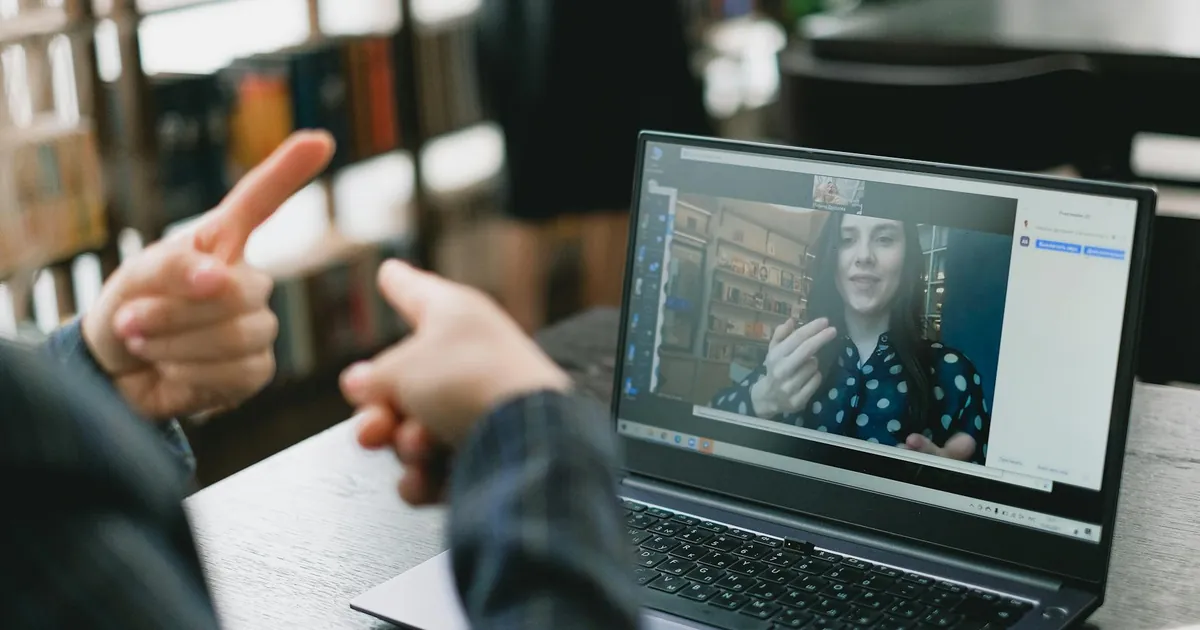
Your technology setup can make or break a remote interview. Start by testing your equipment at least 24 hours in advance. Use a laptop or desktop with a reliable webcam and microphone—built-in options are fine, but external devices often deliver better quality. If your internet connection is unstable, consider using an Ethernet cable instead of Wi-Fi. Close unnecessary applications to free up bandwidth, and update your video conferencing software to the latest version to avoid last-minute glitches. A backup plan, like a mobile hotspot or a secondary device, can save you from unexpected disruptions.
Choosing the Right Video Conferencing Tool
Not all video platforms are created equal. Zoom is widely used for its user-friendly interface and breakout room features, while Microsoft Teams integrates seamlessly with Office 365. Google Meet is ideal for companies using Google Workspace, and platforms like HireVue specialize in asynchronous interviews. Familiarize yourself with the tool’s layout, including how to mute/unmute, share your screen, and use virtual backgrounds. If the interview link isn’t provided in advance, ask the recruiter which platform they’ll use so you can practice navigating it.
Lighting and Camera Angles That Impress
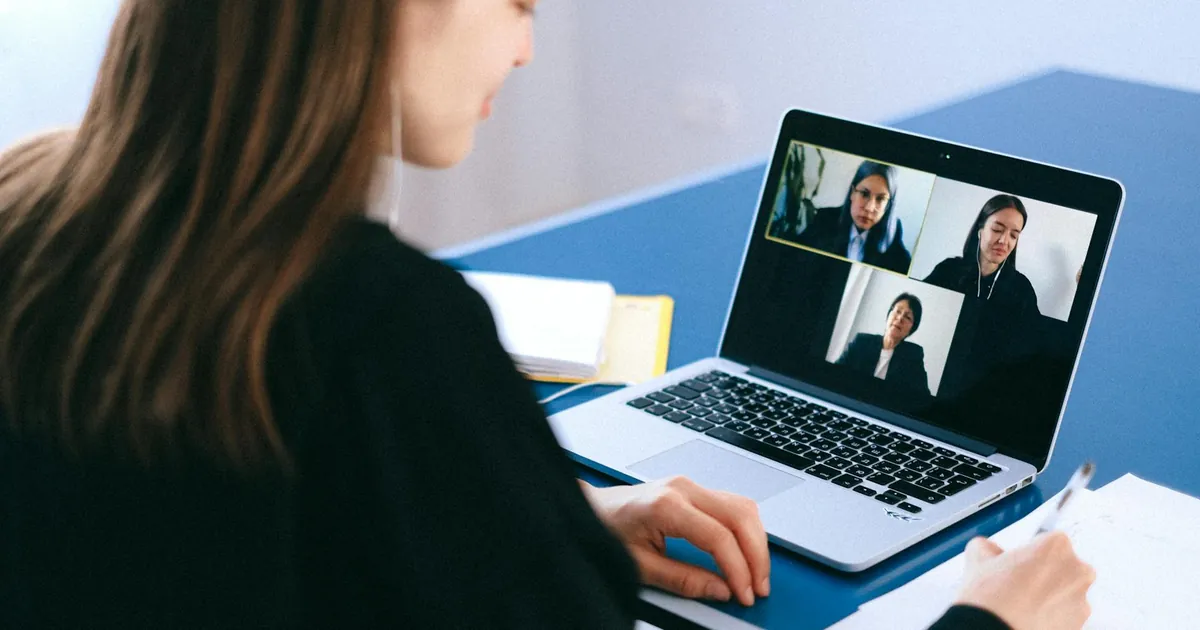
Poor lighting or an unflattering camera angle can distract from your message. Position your webcam at eye level—stack books under your laptop if needed—to create a natural, engaging perspective. Avoid backlighting (e.g., sitting in front of a window), which can cast shadows on your face. Instead, use soft, diffused lighting in front of you, like a ring light or a lamp with a shade. A neutral background, such as a plain wall or a tidy bookshelf, keeps the focus on you. If your space is cluttered, use a virtual background sparingly—glitches can look unprofessional.
Crafting a Professional Virtual Presence
Your virtual presence extends beyond your physical setup. Dress as you would for an in-person interview, opting for solid colors over busy patterns that can pixelate on camera. Maintain good posture and make eye contact by looking at the camera, not your own image. Speak clearly and at a moderate pace, as audio delays can make conversations feel disjointed. Nonverbal cues, like nodding and smiling, help convey engagement, but avoid overdoing it—natural reactions build rapport better than forced enthusiasm. Remember, your goal is to project confidence without appearing rehearsed.
Body Language Tips for Video Interviews
Body language speaks volumes, even through a screen. Sit up straight to convey attentiveness, and lean slightly forward to show interest. Use hand gestures sparingly—excessive movement can be distracting. If you’re prone to fidgeting, keep a notepad nearby to jot down key points, which also signals active listening. Mirror the interviewer’s tone and energy to build subconscious connection. For example, if they speak slowly, match their pace to create a harmonious dialogue. Avoid crossing your arms, as it can come across as defensive, even unintentionally.
Dressing for Success in a Remote Setting
While it’s tempting to dress professionally from the waist up, wearing full interview attire can boost your confidence and mindset. Choose clothing that makes you feel polished—avoid loud prints or logos that might distract. Neutral tones like navy, gray, or white convey professionalism, while a pop of color (like a blouse or tie) can add personality. Check your outfit on camera beforehand to ensure it looks as good on screen as it does in person. Pro tip: Avoid fabrics that wrinkle easily or make noise when you move, as these can draw attention away from your responses.
Researching the Company and Role
Thorough research is the foundation of a standout interview. Start with the company’s website, focusing on their mission, values, and recent news. Explore their LinkedIn page, Glassdoor reviews, and press releases to understand their culture and challenges. For the role, dissect the job description to identify key skills and responsibilities. Look for overlaps between your experience and their needs, and prepare examples that demonstrate your fit. Tailoring your responses to their specific pain points shows initiative and makes you a more compelling candidate.
Understanding the Company Culture
Company culture can be the deciding factor in whether you thrive in a role. Pay attention to how the organization describes itself—are they collaborative, fast-paced, or innovation-driven? Check employee testimonials on platforms like Comparably or Indeed to gauge workplace dynamics. If possible, connect with current or former employees on LinkedIn for insider insights. During the interview, ask questions like, “How would you describe the team’s collaboration style?” to show your cultural fit matters to you. Aligning your values with theirs increases your chances of long-term success.
Analyzing the Job Description Like a Pro
A job description is a roadmap to acing the interview. Highlight keywords and phrases, such as “cross-functional collaboration” or “data-driven decision-making,” and prepare stories that showcase these skills. Use the STAR method (Situation, Task, Action, Result) to structure your responses, focusing on quantifiable outcomes. For example, if the role emphasizes project management, describe a time you delivered a project on time and under budget. Anticipate follow-up questions by thinking about potential challenges in the role and how you’d address them.
Mastering Common Remote Interview Questions
Remote interviews often include questions that assess your ability to work independently and communicate effectively. Expect behavioral questions like, “Tell me about a time you worked remotely and faced a challenge,” or “How do you stay productive without direct supervision?” Prepare concise, structured responses that highlight your problem-solving skills and adaptability. For technical roles, you may encounter live coding exercises or case studies—practice these in advance using platforms like LeetCode or Pramp. The key is to balance confidence with humility, showing you’re both capable and coachable.
Behavioral Questions and the STAR Method
The STAR method is your secret weapon for answering behavioral questions. Start by describing the Situation (context), then the Task (your responsibility), followed by the Action (steps you took), and end with the Result (outcome). For example, if asked about handling a remote conflict, you might say: “In my last role (Situation), I noticed tension between two team members during a virtual project (Task). I scheduled a one-on-one call with each to understand their perspectives (Action), which led to a mediated discussion and a 20% increase in team productivity (Result).” This framework keeps your answers focused and impactful.
Technical and Role-Specific Questions
Technical interviews vary by industry but often include whiteboard exercises, take-home assignments, or live problem-solving. For software roles, practice coding in a shared editor like CoderPad. For marketing or sales positions, prepare to discuss metrics, such as conversion rates or campaign ROI. If the role involves tools like Salesforce or Tableau, brush up on their features and be ready to explain how you’ve used them. When answering, think aloud to demonstrate your thought process—interviewers care more about how you approach problems than getting the “right” answer immediately.
Handling Technical Difficulties Gracefully
Even with the best preparation, technical issues can arise. If your audio cuts out, calmly say, “I’m having a brief audio issue—let me reconnect,” and refresh the page. If the video freezes, switch to a phone call temporarily. Keep the interviewer’s contact information handy in case you need to reschedule. Most importantly, stay composed—how you handle disruptions can leave a lasting impression. After the interview, send a quick follow-up email thanking them for their patience and reiterating your enthusiasm for the role.
Backup Plans for Common Tech Failures
Prepare a backup plan for every potential failure. If your internet drops, have a mobile hotspot ready or know the nearest location with stable Wi-Fi. If your laptop crashes, ensure you have the interview link and notes saved on your phone. For audio issues, test a headset or earbuds beforehand. Share your backup contact details (phone number or email) with the interviewer at the start, so they can reach you if needed. Proactively addressing these scenarios shows foresight and professionalism.
What to Do If the Interview Gets Disrupted
If the interview is disrupted, prioritize communication. Apologize briefly and explain the issue without over-explaining. For example, “I apologize—my internet seems unstable. Would it be possible to switch to a phone call for the remainder of the interview?” If the disruption is on their end, offer to reschedule if they prefer. Avoid blaming technology or sounding frustrated. Instead, focus on solutions and maintaining a positive tone. Afterward, send a thank-you note referencing the disruption to reinforce your professionalism.
Following Up After the Interview
A thoughtful follow-up can set you apart from other candidates. Within 24 hours, send a personalized thank-you email to each interviewer, referencing specific topics you discussed. Keep it concise—three to four sentences max—and reiterate your interest in the role. For example: “I enjoyed learning about [specific project] and how my experience in [skill] could contribute to your team’s goals. I’m excited about the opportunity to join [Company] and look forward to next steps.” If you haven’t heard back within the timeline they provided, send a polite follow-up email after a week to check on the status.
Crafting a Standout Thank-You Email
Your thank-you email should be warm, professional, and tailored. Start with a genuine expression of gratitude, then highlight a key takeaway from the conversation. For instance: “Thank you for taking the time to discuss the [Role] position with me yesterday. I was particularly excited to hear about your team’s focus on [specific initiative], as it aligns with my passion for [related skill].” Close by reaffirming your enthusiasm and offering to provide additional information if needed. Avoid generic templates—personalization shows you were engaged and attentive.
When and How to Follow Up on Next Steps
If the interviewer mentioned a decision timeline, wait until that period has passed before following up. If no timeline was given, send a polite email after 7–10 days. Keep it brief and professional: “I hope this email finds you well. I wanted to follow up on the status of the [Role] position. I remain very interested in the opportunity and would be happy to provide any additional details. Thank you for your time and consideration.” Avoid sounding pushy—your goal is to remind them of your candidacy without being intrusive.
Key Takeaways
- Test your tech setup 24 hours in advance, including internet, camera, and microphone, to avoid last-minute glitches.
- Research the company’s culture, values, and recent news to tailor your responses and demonstrate genuine interest.
- Use the STAR method to structure answers to behavioral questions, focusing on specific examples and outcomes.
- Dress professionally from head to toe to boost confidence and maintain a polished virtual presence.
- Prepare for technical difficulties with backup plans, such as a mobile hotspot or secondary device.
- Follow up within 24 hours with a personalized thank-you email, referencing key discussion points.
- Practice common remote interview questions, including those about remote work challenges and collaboration tools.
- Maintain strong body language and eye contact by looking at the camera, not your own image.
“Remote interviews are less about perfection and more about adaptability. The candidates who stand out are those who handle unexpected challenges with grace and keep the conversation focused on their value. Preparation is key, but authenticity is what truly resonates.”
— Sarah Johnson, Hiring Manager at TechCorp and Remote Work Advocate
Frequently Asked Questions
How can I calm my nerves before a remote interview?
Nerves are normal, but preparation can ease them. Practice your responses out loud, record yourself to identify areas for improvement, and do a mock interview with a friend. On the day, take deep breaths before logging in, and remind yourself that the interviewer wants you to succeed. Focus on the conversation, not the camera, to feel more natural. If you stumble, pause and regroup—it’s better to take a moment than to rush through an answer.
What should I do if my internet cuts out during the interview?
Stay calm and act quickly. If the connection drops, refresh the page or reconnect to the call. If the issue persists, send a message via the chat function (if available) or call the interviewer using the backup contact they provided. Apologize briefly and explain the situation without dwelling on it. Most interviewers will appreciate your professionalism and may even reschedule if needed. Afterward, test your setup thoroughly to prevent future issues.
Is it okay to use notes during a remote interview?
Yes, but use them strategically. Keep a cheat sheet with key points, such as your STAR examples or questions for the interviewer, but avoid reading directly from it. Glance at your notes sparingly to maintain eye contact and engagement. Place them at eye level or on your desk to avoid looking down. The goal is to use notes as a reference, not a script, so you come across as prepared but not rehearsed.
How do I handle a panel interview with multiple interviewers?
Panel interviews can feel overwhelming, but organization is key. Start by noting each interviewer’s name and role when they introduce themselves. Address them by name when answering questions to create a personal connection. If multiple people ask questions, take a brief pause to gather your thoughts before responding. Maintain eye contact with the person who asked the question, but glance at others to include them in the conversation. Afterward, send individual thank-you emails to each panelist to reinforce your interest.
What’s the best way to answer “Tell me about yourself” in a remote interview?
This question is your chance to set the tone. Keep your answer concise (60–90 seconds) and relevant to the role. Start with a brief professional summary, then highlight 2–3 key achievements that align with the job description. For example: “I’m a digital marketer with five years of experience driving growth for SaaS companies. In my last role, I led a campaign that increased lead generation by 30%, and I’m passionate about using data to optimize performance. I’m excited about this opportunity because [specific reason related to the company].” Tailor your response to show why you’re a great fit.
Should I ask questions at the end of a remote interview?
Absolutely. Asking thoughtful questions demonstrates your interest and engagement. Focus on topics that matter to you, such as team dynamics, growth opportunities, or challenges the company is facing. For example: “How does the team collaborate remotely?” or “What are the key priorities for this role in the first three months?” Avoid questions about salary or benefits unless the interviewer brings them up. Prepare 3–5 questions in advance, but listen actively during the interview—you may find answers naturally, allowing you to ask deeper follow-ups.
How can I make a strong impression in a short remote interview?
In short interviews, every second counts. Start with a confident greeting and a smile to set a positive tone. Focus on your most relevant achievements and keep your answers concise. Use the “rule of three”: structure your responses with three key points to make them memorable. For example, when asked about your strengths, say: “I’m detail-oriented, adaptable, and a strong collaborator—qualities that have helped me [specific achievement].” End with a strong closing statement, such as: “I’m excited about this opportunity and would love to bring my skills to your team.”
Remote job interviews may feel daunting, but with the right preparation, they’re an opportunity to showcase your skills and personality in a unique way. By mastering your tech setup, crafting compelling responses, and projecting confidence through the screen, you’ll stand out as a candidate who’s ready to thrive in a digital workplace. Remember, the goal isn’t perfection—it’s connection. Take a deep breath, trust your preparation, and let your enthusiasm for the role shine through. Now, go ace that interview and take the next step toward your dream job.